Ashu's Team Production
🎬 ReelCounter Extension
Track your reels data seamlessly with our lightweight browser extension.
This extension is specially designed for students.
🛠️ How to Install (Step-by-Step Guide)
1
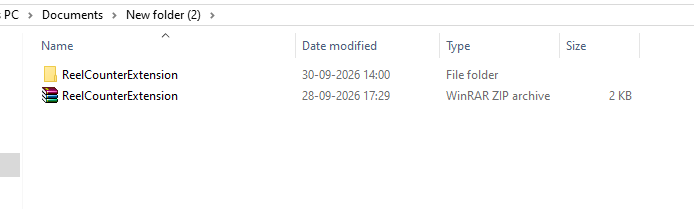
Click the button above to download the .zip file and extract (unzip) it anywhere on your PC.
2
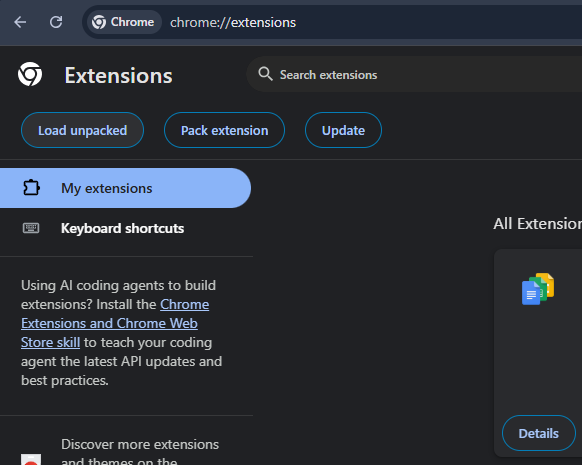
Open your browser and navigate to the extensions page by typing
chrome://extensions/ in the URL bar.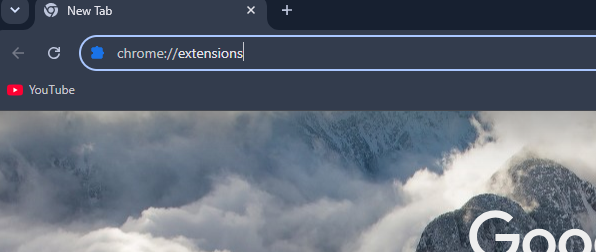
3
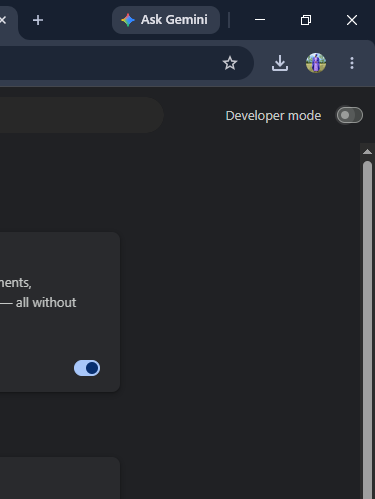
Enable Developer Mode using the toggle switch located in the top-right corner.
4
Click on the Load Unpacked button on the top-left and select the extracted folder from Step 1.
🎉 Final Result
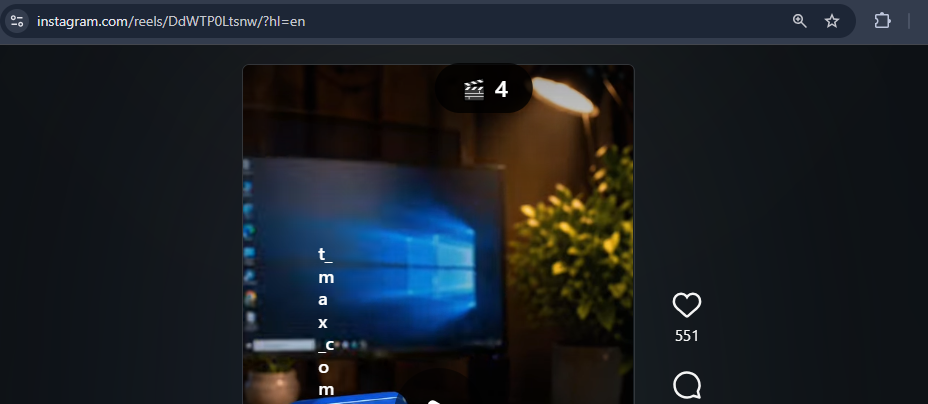
Boom! Your extension is completely installed and ready to track data.